Free QR Code with Logo Generator
Add your logo to any QR code — center it, move it anywhere, or upload your own. 24 built-in icons, flexible placement. Free, no signup.
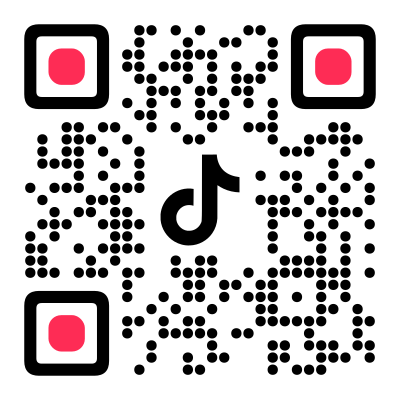
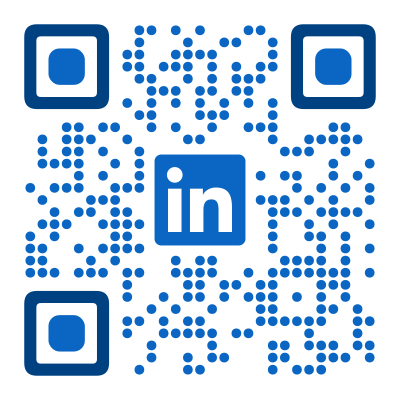
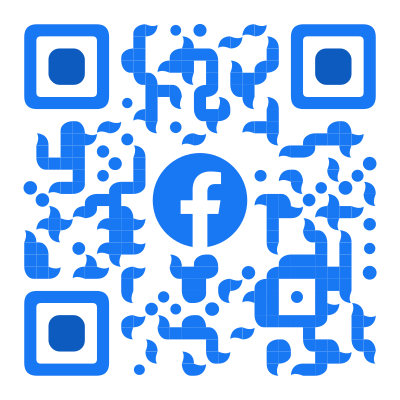
Why Add a Logo to a QR Code?
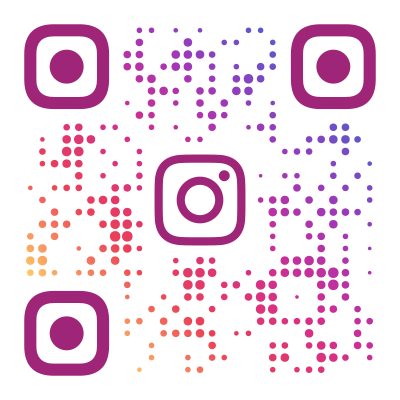
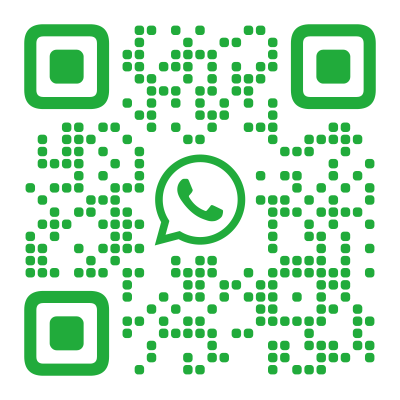
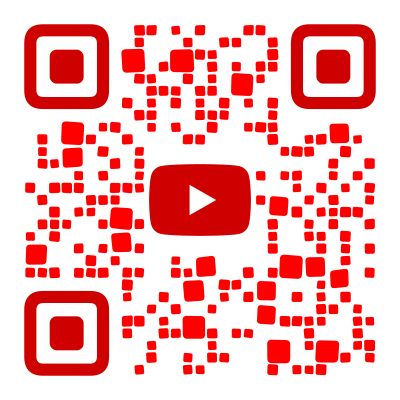
A plain QR code is a grid of black and white squares. It works, but it does not tell the viewer anything before they scan it. A logo changes that. When someone sees a QR code with an Instagram icon, they know it leads to a profile. A WiFi icon signals network credentials. Your company logo signals your brand.
The logo serves two purposes: recognition and trust. People scan codes they recognize faster than anonymous ones. A branded QR code on a business card, flyer, or product label looks intentional — it belongs there. A plain code looks like an afterthought.
Flexible Logo Placement
Most generators lock the logo in the center. Our position controls use two sliders — X and Y — each ranging from 0 to 1. The center is 0.5 on both axes. Drag X left and the logo shifts left. Drag Y down and it moves toward the bottom. Any combination works.
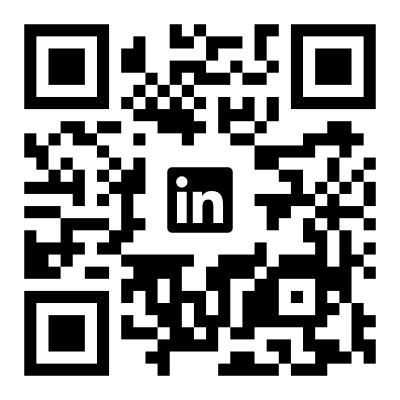
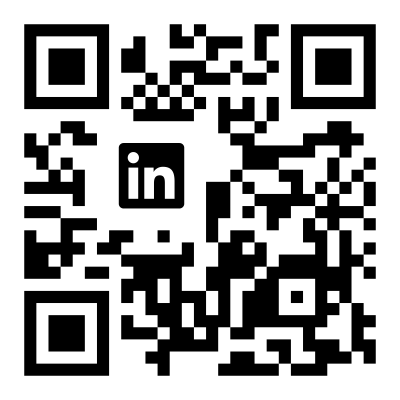
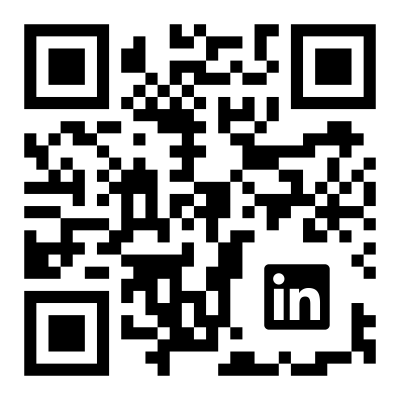
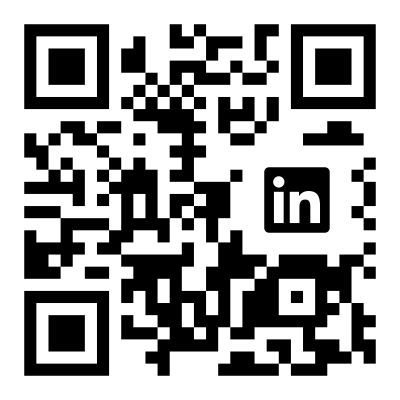
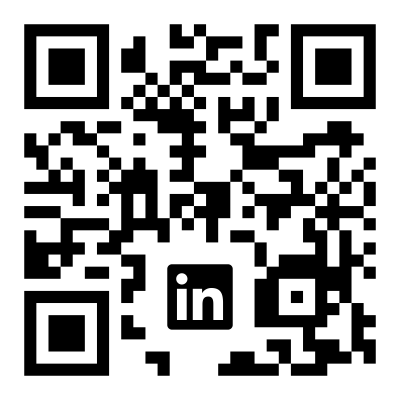
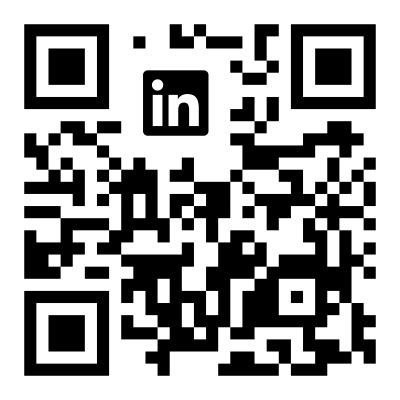
This matters because not every logo looks best centered. A small platform icon works in a corner, leaving the center clear for the QR pattern. A horizontal wordmark might look best offset to one side.
The generator automatically avoids the three finder patterns (the large squares in three corners) so the logo never covers critical scanning infrastructure. This level of positioning control is rare — most competing tools do not offer it at all.
Built-in Logos
The generator ships with 24 ready-to-use icons covering the most common QR code use cases:
Social media — Instagram, Facebook, YouTube, TikTok, LinkedIn, Pinterest, Snapchat, Threads, Bluesky, X
Messaging — WhatsApp, Telegram, Discord
Music — Spotify, Apple Music
Business — Website, Email, Phone, Location, WiFi, Google, PayPal, Amazon, GitHub
Each icon is a clean monochrome SVG. You can change its color to match your QR code design — pick your brand color, match the module color, or use a contrasting accent.
Custom Logo Upload
Upload your own logo if it is not in the built-in set. The generator accepts SVG, PNG, JPG, and WebP files. SVG logos produce the sharpest results because they scale without pixelation. Raster images work well too — the generator automatically preserves the original aspect ratio.
The logo is processed entirely in your browser — nothing is sent to a server.
Sizing and Region Control
Image size determines how large the logo appears, as a percentage of the QR code width. The slider ranges from 10% to 30%. The generator automatically caps the effective size based on the error correction level to keep the code scannable — you cannot accidentally make the logo too large.
Region size controls how much space is cleared behind the logo. At 100%, the cleared area matches the logo size. Lowering it means fewer QR modules are removed — the logo overlaps some data, but the smaller gap preserves more redundancy. Useful when you want a visually large logo without sacrificing scannability.
Show Modules Behind the Logo
By default, QR modules behind the logo are cleared, leaving a white rectangle. The show modules toggle renders the QR pattern behind the logo instead.
This works well with:
- Transparent logos — the QR pattern shows through transparent areas
- Semi-transparent logos — creates a subtle watermark effect
- Outlined logos — the QR pattern fills the inside of the logo shape
Try both options — the best choice depends on whether your logo has transparency.
Error Correction
Adding a logo removes QR data modules. The generator compensates automatically by increasing error correction — redundant data that lets scanners reconstruct missing modules. At the highest level (H), up to 30% of data can be lost and the code still scans.
You do not need to manage this. The generator handles it in Auto mode. If you want explicit control, set the error correction level in the preview panel.
Best Practices
Prefer square logos. QR codes are square — a square logo fits naturally without wasting cleared space. Wide horizontal logos force a larger cleared region for the same visual size.
Avoid fine details. Logos with thin lines or small text may not read well when the QR code is printed small. Simple icons, wordmarks, and bold shapes work best.
Use SVG when possible. SVG logos stay crisp at any print size. Raster images may pixelate when the QR code is scaled up for posters or banners.
Test at target size. A QR code that looks great at 800px on screen may be printed at 2cm on a business card. Test scannability at the actual size your audience will encounter.
Found this useful?
Share it with someone who needs it.
Frequently Asked Questions
? Is the QR code with logo generator free?
Yes, completely free. All 24 built-in logos, custom upload, and all positioning options are available without signup or payment.
? Can I add a logo to a QR code for free?
Yes. Many generators charge for logo embedding — ours is free with no limits. Upload your own logo or pick from 24 built-in icons.
? Can I use my own logo?
Yes. Upload any SVG, PNG, JPG, or WebP file. SVG produces the sharpest results. The generator preserves your logo's aspect ratio automatically.
? Can I move the logo to a corner instead of the center?
Yes. Unlike most generators that only support centered logos, our X and Y position sliders let you place the logo anywhere — center, corner, edge, or any position in between.
? How big can the logo be?
The image size slider ranges from 10% to 30% of the QR code width. The actual maximum depends on the error correction level — the generator automatically caps the size to keep the code scannable.
? What logo file format works best?
SVG is ideal because it stays sharp at any size. PNG and JPG work well too — the generator handles aspect ratio and scaling automatically.
? Do QR codes with logos expire?
No. QR codes encode data directly — there is no server or subscription involved. Your QR code works as long as the encoded content (URL, WiFi, etc.) is valid.