Free WiFi QR Code Generator
Create a QR code for your WiFi network. Guests scan to connect instantly. Free, no signup.



What Is a WiFi QR Code?
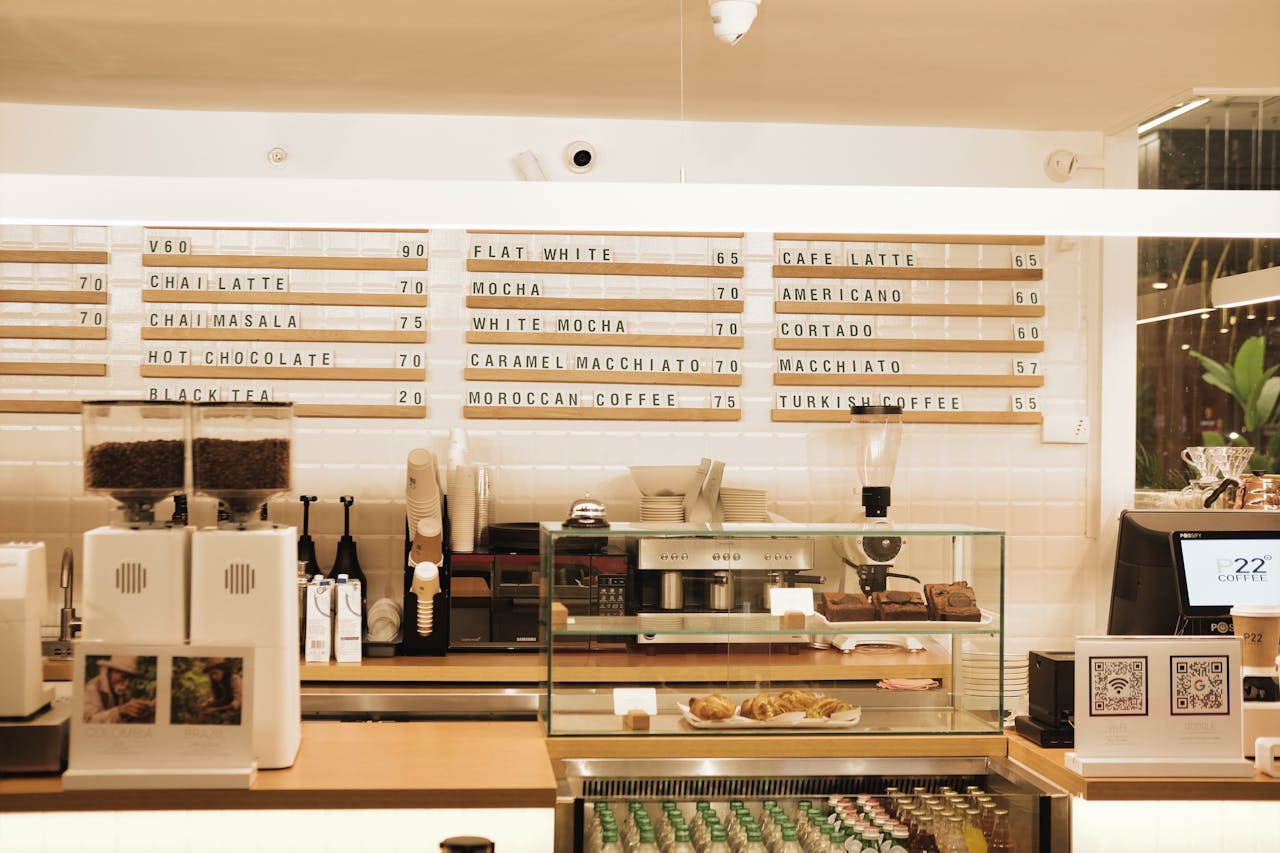
A WiFi QR code encodes your network name (SSID), password, and security type into a scannable pattern. When someone scans it with their phone camera, the device connects to your WiFi automatically — no typing long passwords, no spelling out your network name, no “was that a zero or an O?” conversations.
The technology uses a standardized WiFi configuration format that both iPhone (iOS 11+) and all Android devices understand natively. No app needed — the built-in camera app handles everything.

How to Create a WiFi QR Code
- Open the QR code designer and select WiFi as the content type
- Enter your network name (SSID) and password
- Select the security type — WPA works for most modern networks (covers WPA2 and WPA3)
- Pick a style that suits the venue — Botanical for a cafe, Elegant for a hotel lobby, Modern for an office
- Download as SVG (for print) or PNG (for screens)
- Print and display wherever guests need WiFi access
The whole process takes under a minute.
Where to Place Your WiFi QR Code
The best placement depends on where people actually need to connect:
- Restaurants and cafes — table tents, counter displays, or printed on the menu. Guests scan while they wait for their order.
- Hotels — room welcome cards, lobby signage, or the front desk. Replace the awkward “the password is on the back of the remote” experience.
- Offices — reception areas, meeting rooms, and co-working spaces. New visitors connect without asking the receptionist.
- Airbnb and vacation rentals — include in the welcome guide or frame it near the entrance. One less question from guests.
- Events and conferences — display at registration desks and session rooms. Hundreds of attendees connecting without bottlenecks.
- Retail stores — near the checkout or fitting rooms. Customers on your WiFi spend more time (and money) in your store.
Setting Up a Guest Network for QR Codes
A guest network keeps your main network secure while sharing internet access with visitors. Guests get online but cannot reach your printers, NAS, file shares, or other devices on the primary network.
How to set one up: Most modern routers have a “Guest Network” option in their admin panel. Enable it, pick a network name (something obvious like “Cafe Guest” or “Hotel WiFi”), and set a password. Then create your QR code using these guest network credentials instead of your main ones.
Use a simple, memorable password. Since the password is shared via QR code anyway, it does not need to be cryptographically complex — 12-16 characters is fine. What matters is that it is different from your main network password. If someone extracts the guest credentials from the QR code, your primary network remains untouched.
Password changes are painless. If you change the guest password, you only need to reprint the QR code. Your main network, all your business devices, and your printers stay connected and unaffected.
Router-specific setup:
- Fritzbox (common in Germany/Austria) — WLAN → Gastzugang → Gastzugang aktiv
- TP-Link — Wireless → Guest Network → Enable
- Unifi — Create a separate SSID in the Unifi Controller with a “Guest” policy
- Netgear — Guest Network section in the admin panel
- Most ISP-provided routers — look for “Guest” or “Visitor” in the WiFi settings
Security Considerations
A WiFi QR code contains your actual password in the encoded data. Anyone who scans it can connect — and technically extract the credentials. Keep these points in mind:
Use a guest network. Most modern routers support a separate guest network. Create a QR code for the guest network, not your primary one. This isolates guest traffic from your business devices.
Change the password periodically. If you rotate your guest WiFi password (monthly, for example), you will need to reprint the QR code. Keep the SVG file so you can regenerate quickly.
WPA is the right choice. WPA2 and WPA3 are the current security standards. Never use WEP — it is outdated and easily compromised. If your network has no password, select “Open” but be aware that anyone in range can connect.
WiFi QR Codes vs. Printed Passwords
You might wonder if a simple printed password card would do the job. It would — but QR codes are better in every way:
- No typos. Long passwords with mixed case and special characters are painful to type on a phone keyboard. QR codes eliminate this entirely.
- Instant connection. Scan → connected. No navigating to Settings → WiFi → selecting network → typing password.
- Looks professional. A styled QR code on a table tent or welcome card signals that you care about the guest experience.
- Works in any language. QR codes are universal. Your international guests do not need to read instructions — they just scan.
Tips for Better WiFi QR Codes
Keep the password reasonable. A 64-character random string makes a denser QR code that is harder to scan, especially at small sizes. 12-16 characters is the sweet spot for security and scannability.
Test at print size. If your QR code will be printed on a small table tent, test scanning at that size before ordering a batch. Increase the error correction level for small prints.
Match your brand. A styled QR code in your restaurant’s colors is more inviting than a plain black-and-white square. Every style in our QR code designer is guaranteed to remain scannable.
Found this useful?
Share it with someone who needs it.
Frequently Asked Questions
?
How do I create a WiFi QR code?
Open the QR code designer, enter your network name and password, customize the design, and download. The QR code will let anyone scan to connect automatically.
?
Is this WiFi QR code generator free?
Yes, completely free. Network name, password, security type, and hidden-network support all included. No signup, no watermark.
?
Do WiFi QR codes expire?
No. The credentials are embedded in the QR pattern permanently. But if you change your WiFi password, you will need to generate and print a new code — so consider using a stable guest network password. For a deeper explanation, see our guide to QR code expiration.
?
Does the QR code show my WiFi password?
The password is encoded in the QR pattern. Anyone who scans the code can connect and see the credentials. Only share with people you trust.
?
What security type should I choose?
Choose WPA for most networks. This covers WPA2 and WPA3. Use WEP only for legacy networks. Choose 'Open' for networks without a password.
?
Can I use this for a hidden network?
Yes. Enable the 'Hidden Network' toggle and the QR code will include this information so devices know to search for the network.
?
Does it work on both iPhone and Android?
Yes. iOS 11+ and all Android versions support WiFi QR codes natively through the camera app.
Ready to Create Your QR Code?
60+ artistic styles, free SVG export, no signup needed.
Create Your QR Code →