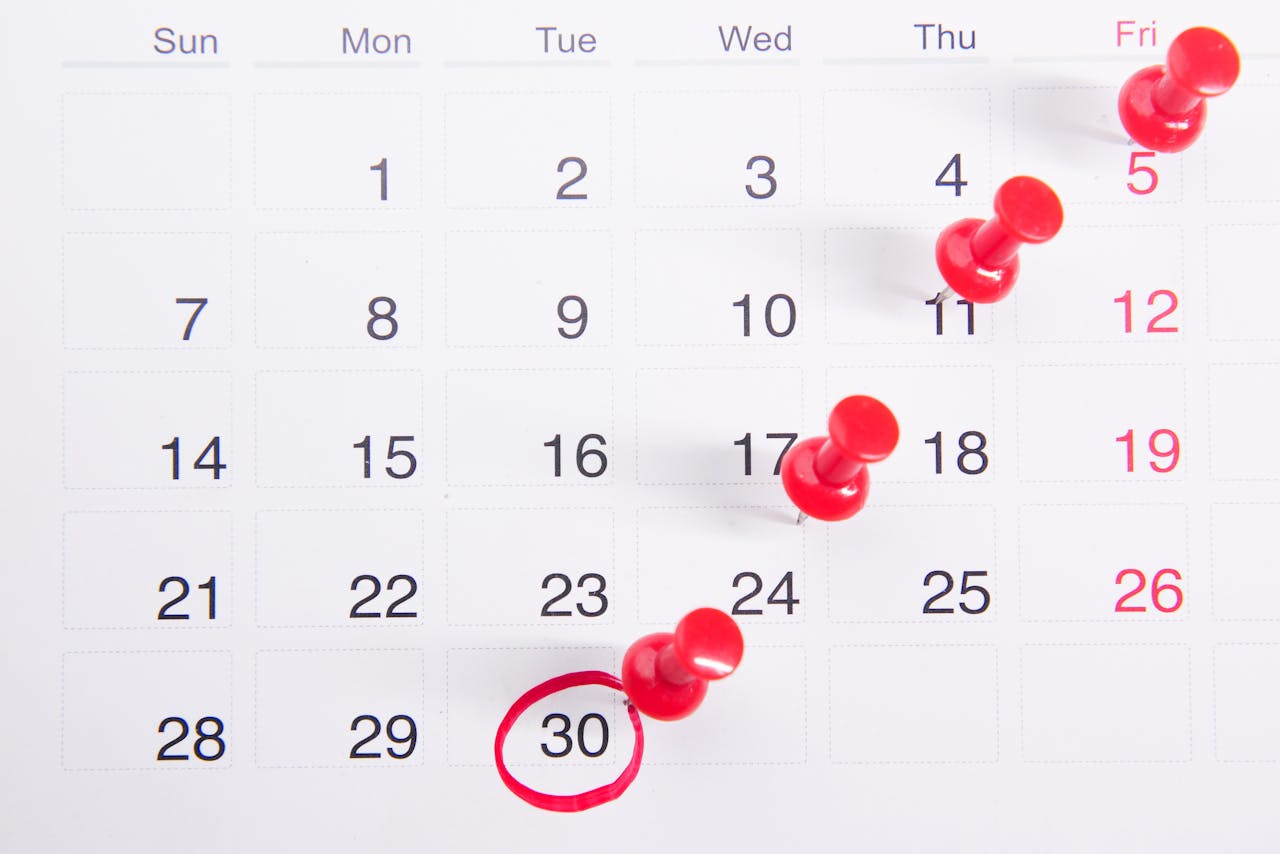
Free Calendar Event QR Code Generator
Create a QR code that adds an event to any calendar. Date, time, location — one scan. Free, no signup.
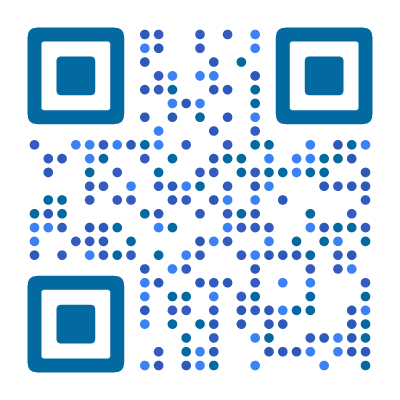
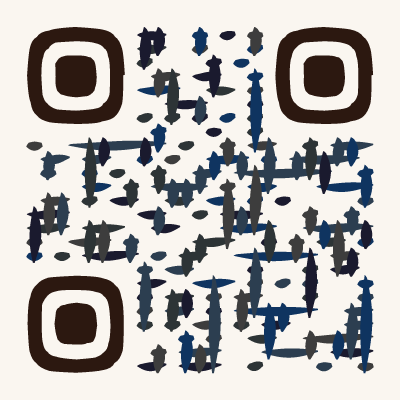
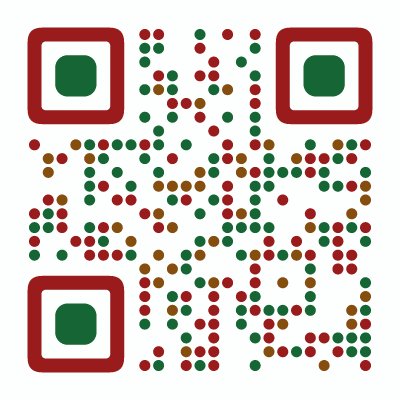
Example QR Code Designs
Click any design to create your own QR code

What Is a Calendar Event QR Code?
A calendar event QR code encodes event details — title, date, time, location, and description — in iCalendar format, the universal standard for calendar data. When someone scans it with their phone camera, the event is added directly to their calendar app. No manual entry, no typos, no forgotten dates.
The iCalendar format is supported by every major calendar app: Google Calendar, Apple Calendar, Outlook, Samsung Calendar, and any app that handles .ics files. This means your QR code works for virtually everyone, regardless of their phone or operating system.
Why Use a QR Code for Events?
Printed invitations, posters, and flyers have a problem: they cannot be clicked. A date on a poster is just text — the reader has to manually open their calendar, create a new event, type the details, and set a reminder. Most people do not bother.
A QR code solves this. One scan and the event is on their calendar — complete with the right date, time, location, and any notes you included. Reminders work automatically. The event shows up alongside their other commitments.
Once an event is in someone’s calendar, they are far more likely to show up.
How to Create a Calendar Event QR Code
- Open the QR code designer and select Event as the content type
- Enter the event title, date, start time, and end time
- Add the location — this becomes a tappable map link on most phones
- Add an optional description (agenda, dress code, parking, or a link to more info)
- Match the QR code style to the event — Calligraphy for a wedding, Circuit for a tech conference, Elegant for a gala
- Download as SVG (for print) or PNG (for digital use)
Place the QR code on invitations, posters, flyers, tickets, or any material where the event is announced.
Where to Use Calendar Event QR Codes
- Wedding invitations — guests scan to save the date, ceremony time, and venue address. No more “what time was it again?” texts.
- Conference and meetup schedules — print QR codes next to each session. Attendees scan the talks they want and build their personal schedule.
- Concert and festival posters — fans walking by save the event instantly instead of taking a photo of the poster and forgetting about it.
- Workshop and class flyers — participants scan to add the session to their calendar, complete with location and any preparation notes.
- Open house save-the-dates — prospects scan to save the viewing date and property address. Include the agent’s contact info in the description.
- Community events and fundraisers — print QR codes on handouts or posters for charity runs, neighborhood meetings, school events, or local festivals.
What Information to Include
A calendar event QR code can contain:
- Title — the event name (keep it clear and concise)
- Start and end date/time — including timezone
- Location — a street address becomes a tappable map link on most phones
- Description — freeform text for details like agenda, dress code, parking instructions, or a URL to the event page
Keep it focused. The more data you encode, the denser the QR code becomes. A title, date, time, and location is usually enough. Put detailed information on a webpage and include the link in the description.
Static vs. Dynamic Event QR Codes
A static event QR code (what our free generator creates) encodes all the event details directly in the QR pattern. It works forever, needs no server, and is completely free. The downside: if the date or venue changes, you need to create and reprint a new QR code.
A dynamic event QR code redirects through a server, so you can update the event details without changing the printed code. This is useful for events that might reschedule. Dynamic codes also let you track how many people scanned and saved the event.
For events with a fixed date, static QR codes are perfect. For events that might change, consider a dynamic solution.
Tips for Better Event QR Codes
Include the location as a full address. When a full street address is in the location field, most calendar apps make it tappable — opening Maps or Google Maps for directions. “Main Hall” is less useful than “123 Main Street, Room 2B, San Francisco.”
Add a reminder in the description. You cannot set reminders via iCalendar in a QR code, but you can write “Set a reminder for the day before!” in the description as a nudge.
Test with multiple devices. Scan your QR code on both iPhone and Android before printing. Confirm the date, time, and location display correctly. Pay attention to timezones if your audience is spread across regions.
Match the style to the event. A wedding QR code in elegant calligraphy style feels different from a tech conference QR code in a modern geometric pattern. Our 60+ styles let you set the right tone.
Timezone Handling
The iCalendar format supports timezones, but our generator encodes the time as-is — it is treated as local time. For most QR code use cases (local, in-person events), this is exactly right: everyone is in the same timezone.
If your event has attendees across timezones, include the timezone explicitly in the description field (e.g., “3:00 PM EST / 8:00 PM UTC”). This way the information is visible even if the calendar app interprets the time differently.
For virtual events, put the video call URL in the description field. Be aware that attendees in different timezones will see the event at the time you set — which may be wrong for them. Add a note like “All times in Eastern Time” to avoid confusion.
What the iCalendar Data Looks Like
When you create an event QR code, the data encoded in the QR pattern follows the iCalendar standard. Here is a simplified example:
BEGIN:VCALENDAR
BEGIN:VEVENT
SUMMARY:Team Meetup
DTSTART:20250615T140000
DTEND:20250615T160000
LOCATION:Central Park, NYC
DESCRIPTION:Monthly team gathering
END:VEVENT
END:VCALENDAR
This structured text is what the phone reads when it scans the code. The calendar app parses each field — SUMMARY becomes the event title, DTSTART/DTEND set the time, LOCATION becomes a tappable address, and DESCRIPTION fills in the notes.
The more fields you add, the denser the QR code becomes. Title, date, time, and location are essential. Description and URL are nice to have if the code stays scannable at your intended print size.
Found this useful?
Share it with someone who needs it.
Frequently Asked Questions
?
What is a calendar event QR code?
A QR code that contains event details in iCalendar format. Scanning it adds the event — with title, date, time, and location — directly to the phone calendar.
?
Is this calendar QR code generator free?
Yes, completely free. Event title, date, time, location, description, and URL — all fields included. No account needed, no watermark.
?
Do event QR codes expire?
No. The event details are embedded permanently in iCalendar format. The QR code works even after the event date has passed — useful for recurring events or archival purposes.
?
Which calendar apps are supported?
All major calendar apps — Google Calendar, Apple Calendar, Outlook, and any app that supports the iCalendar (.ics) format. This covers virtually all smartphones.
?
Can I add a description or notes to the event?
Yes. The description field supports text like agenda details, dress code, parking instructions, or a link to more information.
?
Can I create recurring events?
Static QR codes encode a single event. For recurring events, create one QR code per date or link to an online calendar with the full schedule.
?
Does it work on both iPhone and Android?
Yes. Both iOS and Android recognize iCalendar data natively. Scanning shows an "Add to Calendar" prompt — Apple Calendar on iOS, Google Calendar on Android. No extra app needed.
Ready to Create Your QR Code?
60+ artistic styles, free SVG export, no signup needed.
Create Your QR Code →