Free PayPal QR Code Generator
Create a QR code that links to your PayPal.me page for instant payments. Free, no signup.
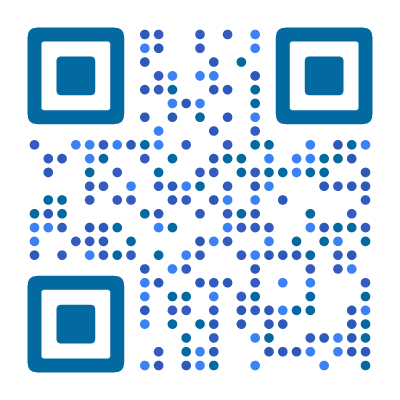
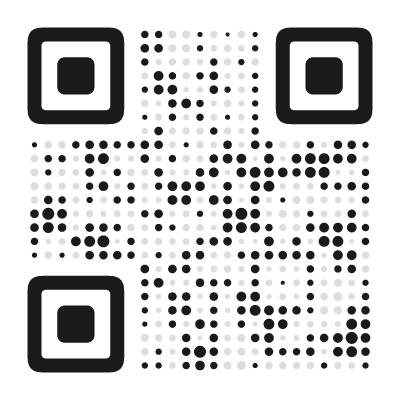

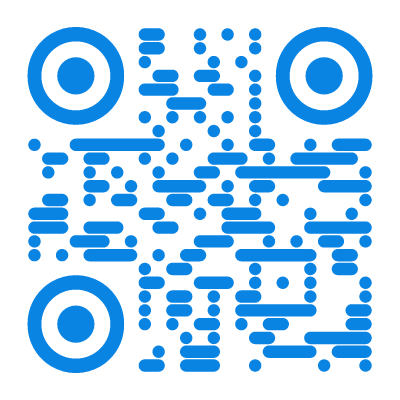
What Is a PayPal QR Code?
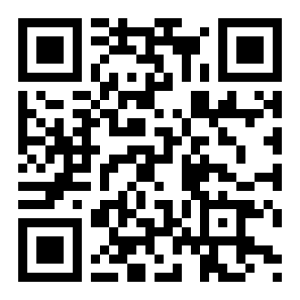
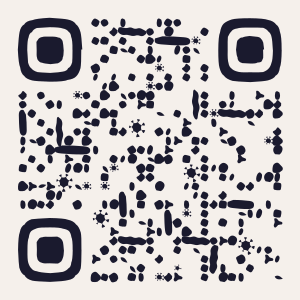
A PayPal QR code links to your PayPal.me page — PayPal’s personal payment link. When someone scans it, PayPal opens with your account as the recipient. The sender enters an amount (or you can pre-set one) and pays with one tap.
This is different from PayPal’s own in-app QR code (used at retail checkout). A PayPal.me QR code works anywhere — print, web, signage — and does not require a PayPal point-of-sale setup.
How PayPal.me Links Work
PayPal.me gives every account a personal payment URL. The form builds the correct link automatically based on what you enter:
- Username only (
paypal.me/yourname) — the sender chooses the amount - With amount (
paypal.me/yourname/25) — pre-fills $25 (sender can change it) - With amount and currency (
paypal.me/yourname/25EUR) — pre-fills 25 EUR
Set up your PayPal.me link at paypal.me if you have not already. The link is your PayPal username — keep it short and recognizable.
How to Create a PayPal QR Code
- Open the QR code designer and select PayPal as the content type
- Enter your PayPal.me username (e.g.
yourname— the part afterpaypal.me/) - Optionally enter an amount and select a currency from the dropdown to pre-fill the payment
- Design the code to signal trust — clean, professional styles in your brand colors help with payment confidence
- Download as SVG (for print) or PNG (for digital)
Where to Use a PayPal QR Code
PayPal QR codes work for any situation where you want to accept payments without a card reader or checkout page:
- Freelancers and consultants — print on invoices, business cards, or proposals. “Scan to pay.”
- Market stalls and pop-ups — no card reader needed. Customers scan and pay from their phone.
- Donations and tips — charity events, street performers, coffee shop tip jars, churches. A QR code next to a jar gets digital payments alongside cash.
- Event ticket sales — “Scan to pay” on flyers and posters for small community events.
- Invoices and quotes — print the QR code on paper invoices for faster payment.
- Splitting bills — collecting money for group dinners, shared gifts, or apartment expenses. Send the QR code in the group chat.
PayPal QR Code vs. Other Payment Methods
- PayPal QR code — easy to set up, works globally, no hardware needed. Best for freelancers, small sellers, and donations. Downside: sender needs PayPal.
- Stripe payment link — more professional checkout page, supports credit cards without PayPal. Better for businesses with a website.
- Bank transfer QR code — some countries (like the Netherlands with iDEAL, or Brazil with Pix) have native bank QR payment systems. Faster and cheaper but regional.
For quick, no-setup payments that work internationally, PayPal QR codes are hard to beat.
Tips for Better PayPal QR Codes
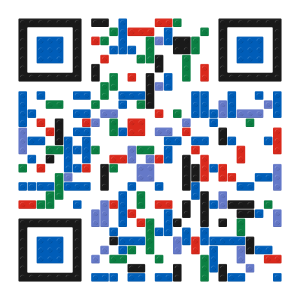
Pre-set the amount when possible. If you are selling a product at a fixed price or requesting a specific donation, enter the amount in the Amount field and select the right currency. It reduces friction for the sender — one less thing to type.
Add context. “Scan to pay $15” or “Scan to tip” near the QR code. People need to know how much and what for.
Consider transaction fees. PayPal charges fees on business transactions (typically 2.9% + $0.30). For personal “friends and family” payments, fees may be lower. Check PayPal’s current fee structure for your region.
Test the flow. Scan your QR code and go through the payment process yourself (you can cancel before paying). Make sure the correct amount and recipient are shown.
Found this useful?
Share it with someone who needs it.
Frequently Asked Questions
?
What is a PayPal QR code?
A QR code that links to your PayPal.me page. When scanned, it opens PayPal so the sender can pay you directly.
?
Is this PayPal QR code generator free?
Yes, completely free. Fixed amounts, currency selection, and PayPal.me links all supported. No signup on our end — you just need an active PayPal.me page.
?
Do PayPal QR codes expire?
No. The PayPal.me link is embedded permanently. It works as long as your PayPal.me page is active and accepting payments. If PayPal deactivates your account, the QR code will lead to an error page.
?
Can I set a fixed payment amount?
Yes. Enter the amount in the Amount field and optionally select a currency from the dropdown. The designer builds the correct URL automatically. The sender can still change the amount before paying.
?
Does the sender need a PayPal account?
Yes, for PayPal.me links. PayPal also offers guest checkout in some regions, allowing payment with a credit card without an account.
?
Does it work on both iPhone and Android?
Yes. If the PayPal app is installed, it opens directly to the payment screen with the amount pre-filled. Without the app, the PayPal.me page loads in the mobile browser where visitors can pay via their PayPal account or credit card.
Ready to Create Your QR Code?
60+ artistic styles, free SVG export, no signup needed.
Create Your QR Code →