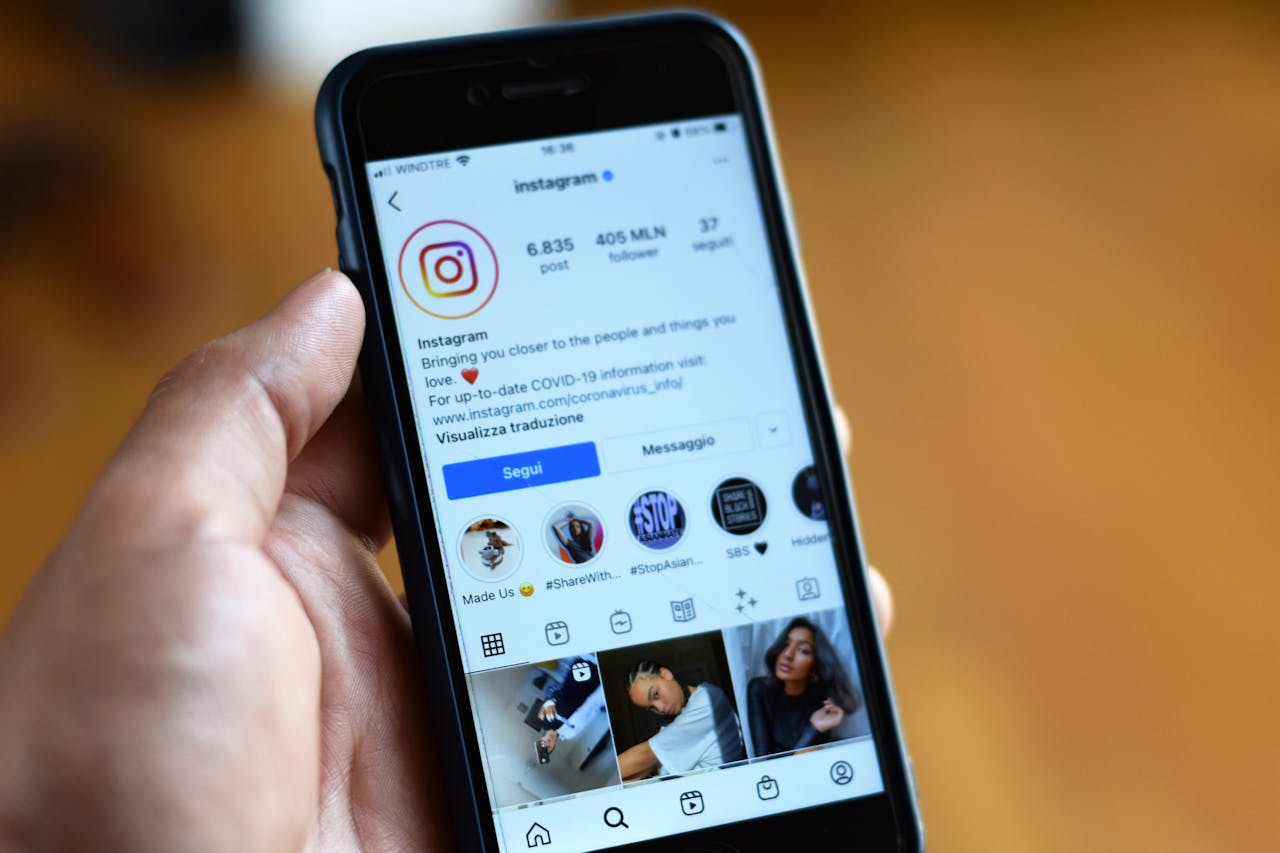
Free Instagram QR Code Generator
Create a QR code that links to your Instagram profile. One scan, instant follow. Free, no signup.
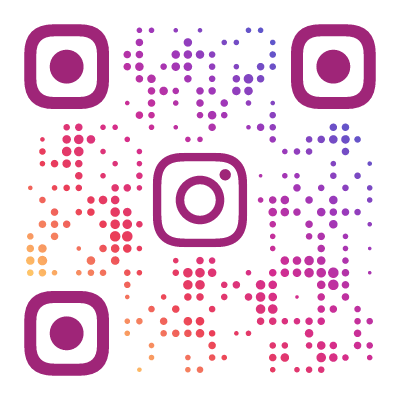
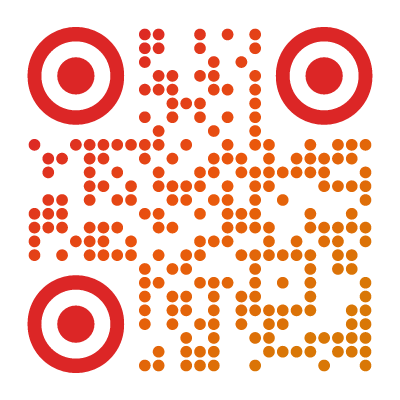
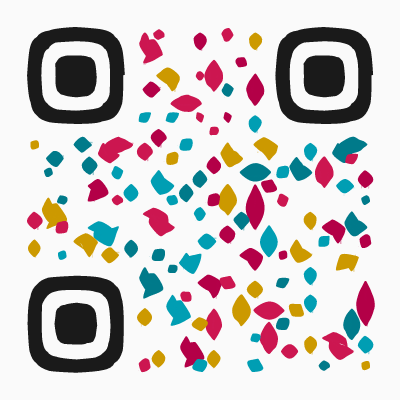
Example QR Code Designs
Click any design to create your own QR code
Why Use an Instagram QR Code?
Instagram has its own built-in QR codes (formerly called Nametags), but they are plain, branded with Instagram’s design, and you cannot customize them. They serve one purpose — opening a profile — and they all look the same.
A custom QR code is different. You choose the style, the colors, the shape. You can add your logo. It matches your brand identity instead of Instagram’s. And it works on any printed material — business cards, product packaging, posters, menus, stickers — not just inside the Instagram app.
The result: a QR code that is uniquely yours, instantly recognizable, and links directly to your Instagram profile. One scan and visitors can follow you.

What to Link To
You can encode different Instagram URLs depending on your goal:
- Your profile (
instagram.com/yourname) — the most common choice. Visitors land on your profile and can follow you immediately. - A specific post (
instagram.com/p/ABC123) — great for promoting a particular piece of content, a product launch, or an announcement. - A Reel (
instagram.com/reel/ABC123) — link to your latest video content. Good for event promotions or tutorials. - Your Linktree or bio link — if you use a link-in-bio service, you can encode that URL instead to give visitors multiple options.
For most use cases, link to your profile. It is the most evergreen option — a specific post might become irrelevant, but your profile is always current.
How to Create an Instagram QR Code
- Open the QR code designer and select Instagram as the content type
- Enter your Instagram profile URL (e.g.
instagram.com/yourname) - Choose a visual style that matches your Instagram aesthetic — gradient presets like Sunset work well for lifestyle brands
- Preview the QR code and test it with your phone
- Download as SVG (for print) or PNG (for digital)
- Add to packaging, business cards, flyers, or store signage
Where to Use an Instagram QR Code
These are Instagram-specific scenarios where a custom QR code adds real value:
- Influencer product collaborations — print the QR code on sponsored merch so buyers can jump straight to the collab content. The influencer’s audience sees the product in context, not just a tagged post buried in their feed.
- Instagram Shop integration — put a QR code on your physical product that links to its Instagram Shop listing. Customers scan to see reviews, related products, and buy again without searching.
- “Follow for discount” retail strategy — display a QR code at the register with “Follow us, show the receipt for 10% off your next visit.” Converts one-time shoppers into long-term followers.
- Reel promotion at events — print QR codes on event signage that link to a Reel recap or behind-the-scenes content. Attendees engage with your content while the event is still fresh.
- Link-in-bio bridge — if your Instagram bio links to a Linktree or similar service, encode that URL in the QR code. One scan gives visitors your full menu of links — website, shop, booking, other socials — without the extra step of finding your bio.
Designing QR Codes That Match Your Instagram Aesthetic
Your Instagram grid has a visual identity. Your QR code should match it. When someone sees your QR code on packaging or a poster, the style should feel like an extension of your feed — not a random black-and-white square slapped on as an afterthought.
Start with your grid’s color temperature. Warm, golden-hour feeds pair naturally with the Sunset preset (warm gradient tones). Clean, minimal feeds with lots of white space work better with Modern (sharp geometry, neutral tones). Bold, high-contrast feeds with saturated colors call for Paint Splash or Mosaic.
Pull colors from your brand palette. If you have established brand colors that run through your grid, use those exact hex values for the QR code foreground or gradient. A fitness brand using #FF4D00 orange across their Reels should carry that same orange into the QR code. Consistency signals professionalism.
Logo center: use it when recognition matters. If your QR code will appear in contexts where people might not know who it belongs to — event flyers, shared displays, co-branded materials — add your logo to the center. If the QR code already sits next to your branding (on your own packaging, your own storefront), skip the logo and keep it clean.
Visual consistency builds trust. A QR code that looks like it belongs to your brand reassures people before they scan. A mismatched code feels suspicious. This matters especially for Instagram, where aesthetic coherence is the entire currency.
Preset recommendations by niche:
- Food bloggers and restaurants — Sunset or warm custom gradients. Earthy tones match food photography.
- Fashion and beauty — Modern or Minimal. Let the clean geometry reflect the editorial quality of your grid.
- Fitness and sports — Paint Splash with bold, high-energy colors. Matches the intensity of workout content.
- Travel and lifestyle — Mosaic with blues and teals, or Sunset with sandy tones. Mirrors landscape and ocean photography.
- Photography and art — keep it monochrome or use a single accent color. The QR code should not compete with the visual work it links to.
Instagram QR Code vs. Instagram’s Built-In QR
Instagram offers its own QR code feature (Settings → QR Code). Here is how it compares:
| Feature | Instagram Built-In | Custom QR Code |
|---|---|---|
| Design customization | Instagram’s colors only | Full style gallery, any colors, your logo |
| Works outside the app | No — requires Instagram to scan | Yes — any camera app |
| Print quality | Low resolution | SVG for perfect print at any size |
| Brand consistency | Instagram’s branding | Your branding |
| Links to posts/Reels | Profile only | Any Instagram URL |
The built-in QR code is fine for showing someone your phone. For anything printed — packaging, signage, cards — a custom QR code is the better choice.
Tips for Instagram QR Codes
Link to your handle, not individual posts. Use instagram.com/yourname for anything printed. A specific post URL works for short-term digital campaigns, but printed materials live for months or years. Your profile is always current.
Never link to a Story for print. Stories expire after 24 hours. If someone scans your QR code a week after you printed it, they hit a dead end. Use Stories links only for same-day digital distribution (email, push notifications), never for physical media.
Use the “follow for discount” CTA formula. The most effective call-to-action for Instagram QR codes in retail is specific: “Scan to follow us — show your receipt for 10% off next time.” It gives a concrete reason to scan and a concrete reward for following. Vague CTAs like “Follow us on Instagram” convert poorly by comparison.
Test in both the app and the browser. Scan your QR code on a phone with Instagram installed (should open the app directly) and on one without it (should load the mobile web profile). Also test on both iPhone and Android — deep-linking behavior differs between the two.
Found this useful?
Share it with someone who needs it.
Frequently Asked Questions
?
What is an Instagram QR code?
A QR code that links directly to your Instagram profile, post, or Reel. When scanned, it opens Instagram so visitors can follow you or view your content.
?
Is this Instagram QR code generator free?
Yes, completely free — profile links, Reel links, and shop URLs all work. No signup, no watermark, no download limits.
?
Do Instagram QR codes expire?
No. The URL is embedded in the QR code permanently. Just make sure you link to your handle URL (instagram.com/yourname), not a temporary Reel or Story link that may disappear.
?
Can I link to a specific post or Reel?
Yes. Open the post or Reel in a browser, copy the URL, and paste it into the QR code designer. The QR code will link directly to that content.
?
What URL format should I use?
Use https://instagram.com/yourname for your profile. For posts, use the full URL from your browser (e.g. https://instagram.com/p/ABC123).
?
How is this different from Instagram's built-in QR code?
Instagram's Nametag feature generates a basic QR code you cannot customize. Our generator offers dozens of artistic styles, custom colors, and logo support — so your QR code matches your brand instead of Instagram's.
?
Does it work on both iPhone and Android?
Yes. On iOS, scanning opens the Instagram app directly via universal links — no redirect. On Android, the app opens if installed, otherwise the mobile site loads. Profile and Reel links both deep-link correctly.
Ready to Create Your QR Code?
60+ artistic styles, free SVG export, no signup needed.
Create Your QR Code →