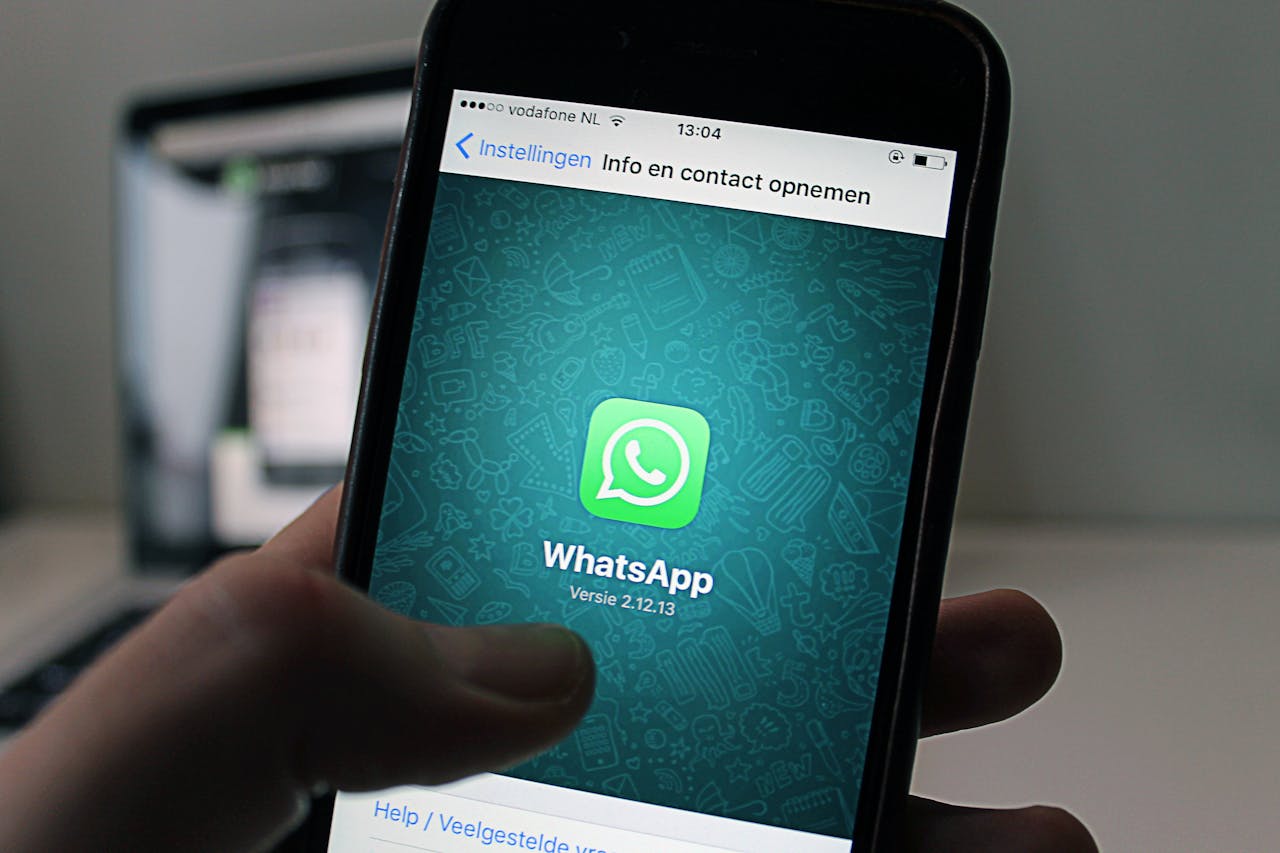
Free WhatsApp QR Code Generator
Create a QR code that opens a WhatsApp chat. One scan starts a conversation. Free, no signup.
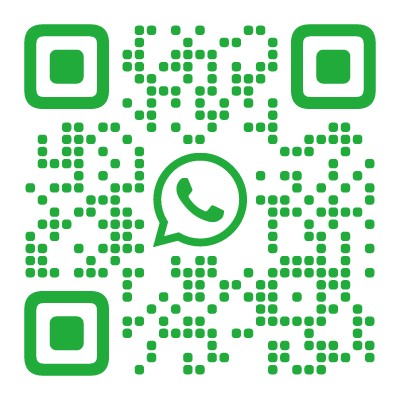
What Is a WhatsApp QR Code?
A WhatsApp QR code encodes a wa.me link — WhatsApp’s official click-to-chat URL format. When someone scans it, WhatsApp opens with a chat to your number ready to go. The scanner does not need to have your number saved in their contacts — the conversation starts directly.
You can also include a pre-filled message that appears in the chat input field. The sender sees the draft and can edit it before sending.
How WhatsApp Links Work
WhatsApp provides official click-to-chat URLs in the format https://wa.me/PHONENUMBER. The phone number uses international format without plus signs, dashes, or spaces (e.g. https://wa.me/15551234567).
To add a pre-filled message, append ?text=Your%20message%20here. Our QR code designer handles this automatically — just enter your number and message.
How to Create a WhatsApp QR Code
- Open the QR code designer and select WhatsApp as the content type
- Enter your phone number with country code (e.g.
+1 555 123 4567) - Add an optional pre-filled message (e.g. “Hi, I have a question about …”)
- Choose a recognizable style — the WhatsApp preset uses green tones, or match your business brand colors
- Download as SVG (for print) or PNG (for digital)
Where to Use a WhatsApp QR Code
Most people would rather send a message than make a phone call or fill out a form. A WhatsApp QR code turns any physical touchpoint into the start of a conversation:
- Customer support counters — “Scan to chat with us.” Place at help desks, return counters, or reception areas. Customers get a direct line without waiting on hold or navigating a phone menu.
- Restaurant ordering — table cards with a QR code that opens a WhatsApp chat for orders. Common in cafes and small restaurants across Asia, Latin America, and Europe.
- Retail “Ask about this product” — QR next to a product display or shelf tag. Shoppers can ask about sizing, availability, or pricing without flagging down staff.
- Appointment booking — salons, clinics, physiotherapists, mechanics. “Scan to book via WhatsApp.” Easier than calling during business hours.
- Event and wedding RSVPs — “RSVP via WhatsApp.” Pre-fill the message with “I’d love to attend!” so guests just tap send.
- Service follow-ups — “Questions about your delivery? Chat with us.” Print QR on packing slips, receipts, or installation manuals.
WhatsApp QR Code vs. WhatsApp’s Built-In QR
WhatsApp has its own QR code feature (Settings → QR Code). Here is how it compares:
| Feature | WhatsApp Built-In | Custom QR Code |
|---|---|---|
| Design customization | None — WhatsApp’s design | Every style in the gallery, any colors, your logo |
| Pre-filled message | No | Yes |
| Works outside the app | Must be scanned within WhatsApp | Any camera app |
| Print quality | Low resolution screenshot | SVG for perfect print at any size |
| Brand consistency | WhatsApp’s branding | Your branding |
The built-in QR code works for sharing your number within WhatsApp. For anything printed or branded, a custom QR code is the better choice.
WhatsApp vs. SMS vs. Phone QR Codes
- WhatsApp — rich messaging (images, voice notes, read receipts), requires the app, free over internet. Best for ongoing conversations and customer support.
- SMS — universal, works without internet, no app needed. Best for quick transactional messages and audiences without WhatsApp.
- Phone — direct call, no typing. Best for urgent matters and audiences who prefer voice.
In Europe, Latin America, Africa, and most of Asia, WhatsApp is the default messaging platform. If your audience is in these regions, WhatsApp QR codes will outperform SMS.
Tips for Better WhatsApp QR Codes
Use your business number. Point the QR code to a dedicated business phone number, not a personal one. WhatsApp Business offers features like auto-replies, labels, and quick responses.
Write a helpful pre-filled message. Instead of a generic “Hi”, use something specific: “Hi, I’d like to learn more about [Product/Service].” This gives the sender a starting point and helps your team route the inquiry.
Mention WhatsApp near the QR code. People need to know what will happen when they scan. Add text like “Scan to chat on WhatsApp” or include the WhatsApp icon.
Set up auto-replies. If you use WhatsApp Business, configure an away message for after-hours scans. “Thanks for reaching out! We’ll reply within 24 hours.” This manages expectations and avoids unanswered messages.
Found this useful?
Share it with someone who needs it.
Frequently Asked Questions
?
What is a WhatsApp QR code?
A QR code that opens a WhatsApp chat with your number. The scanner does not need to have your number saved — the chat opens directly.
?
Is this WhatsApp QR code generator free?
Yes, completely free. Pre-filled messages, international numbers, and WhatsApp Business links all work. No account, no watermark.
?
Do WhatsApp QR codes expire?
No. The phone number (and optional message) are embedded in the QR code permanently. If you change your WhatsApp number, you will need a new QR code. The code works as long as the number is active on WhatsApp.
?
Can I add a pre-filled message?
Yes. You can set a default message that appears in the chat input field. The sender can edit it before sending.
?
Does the scanner need my number saved?
No. WhatsApp's wa.me links open a chat directly, even if the scanner does not have your number in their contacts.
?
How is this different from WhatsApp's built-in QR code?
WhatsApp's built-in QR code is for adding contacts within the app. Our QR code works everywhere — print, web, packaging — and can be fully customized with any style, colors, and your logo.
?
Does it work on both iPhone and Android?
Yes. WhatsApp deep links work on both platforms — the chat opens directly in the app with your pre-filled message ready. If WhatsApp is not installed, it redirects to WhatsApp Web in the browser. The recipient does not need to have your number saved.
Ready to Create Your QR Code?
60+ artistic styles, free SVG export, no signup needed.
Create Your QR Code →