Free SMS QR Code Generator
Create a QR code that opens a pre-filled text message. Phone number and message — one scan. Free, no signup.
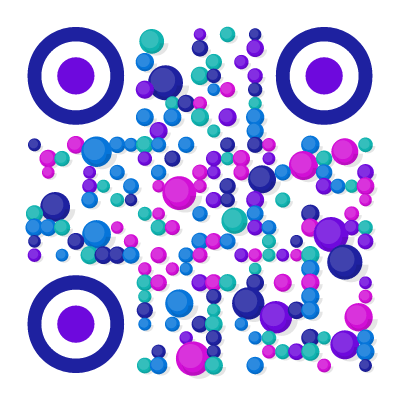
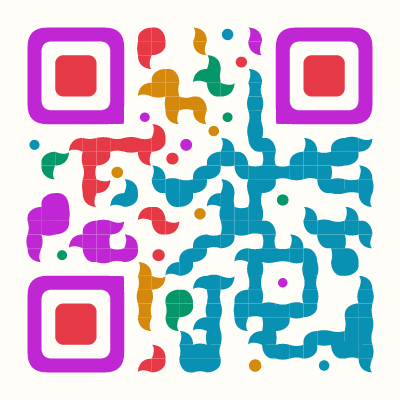
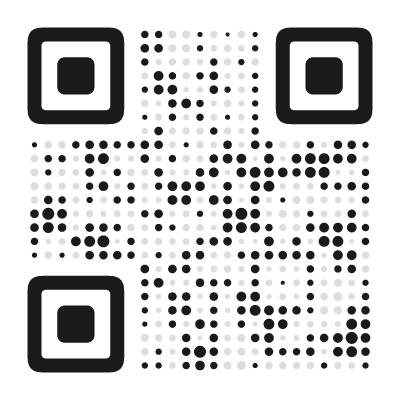
Example QR Code Designs
Click any design to create your own QR code

What Is an SMS QR Code?
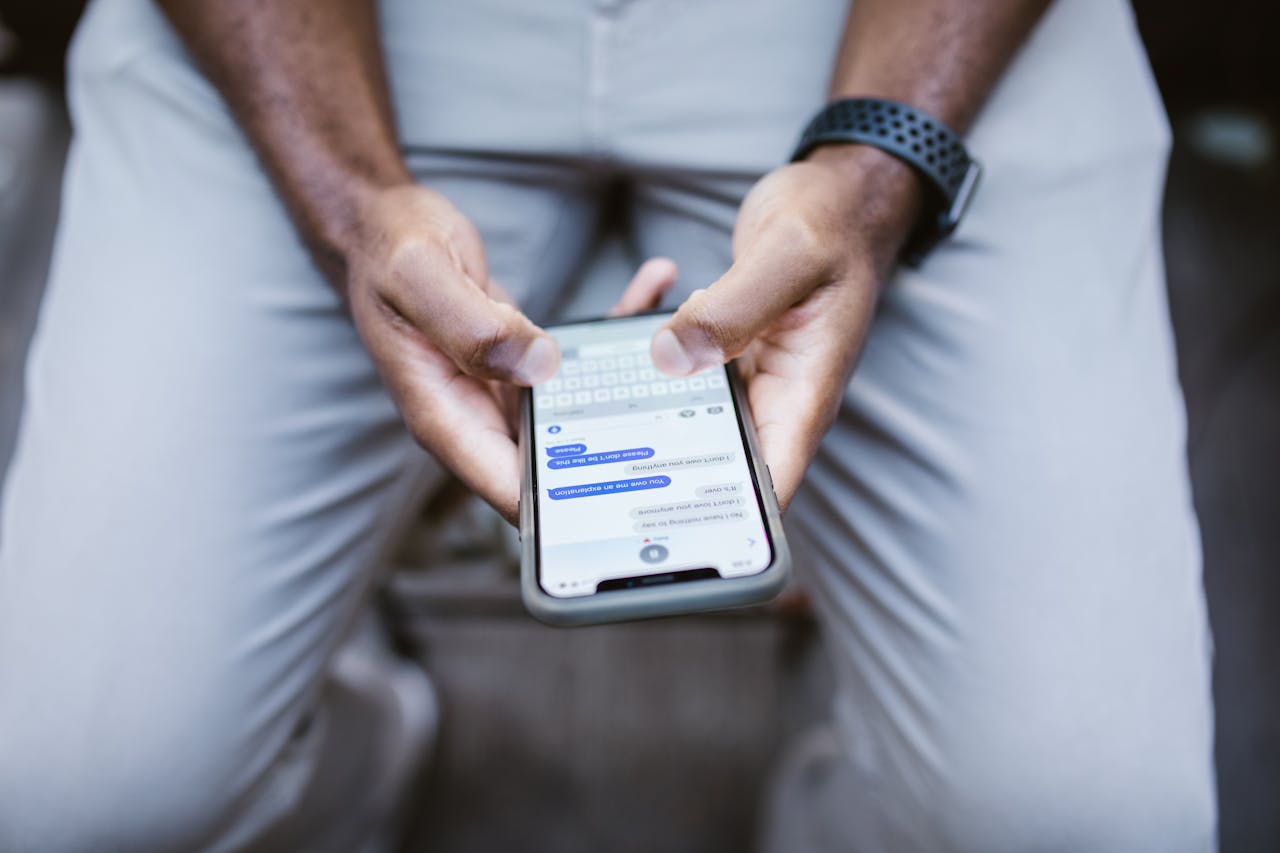
An SMS QR code encodes a phone number and optional pre-written message using the smsto: format. When someone scans it, their phone opens the messaging app with the number and message already filled in. One tap to send.
Like email QR codes, the message is not sent automatically — the user sees the draft and can edit or cancel before sending. The QR code just eliminates the need to type a phone number and compose a message from scratch.
How to Create an SMS QR Code
- Open the QR code designer and select SMS as the content type
- Enter the phone number that should receive the message (use the international country code format, e.g. +1 for US, +49 for Germany)
- Add a pre-filled message text if needed (e.g. “OPT-IN” or “I’d like to book an appointment”)
- Style the QR code for your campaign — playful for consumer promos, professional for appointment booking
- Download as SVG (for print) or PNG (for digital)
Where to Use an SMS QR Code
SMS QR codes are ideal for scenarios where a quick text message is the most natural response:
- Opt-in campaigns — “Text JOIN to 12345.” Pre-fill the keyword so subscribers scan and send with one tap. Works with any SMS marketing platform.
- Appointment booking — “Scan to text us for an appointment.” Pre-fill with the service type so the receptionist knows what the customer needs.
- Customer feedback — “Text your rating 1-5.” Faster than a survey form and works without an app or internet.
- Voting and polls — “Text A, B, or C to vote.” Each option gets its own QR code with the answer pre-filled.
- Property and product inquiries — real estate signs, car dealership lots, or retail displays. “Scan for details” sends a text to the sales number with the listing ID pre-filled.
- Emergency contacts — workplace safety boards, campus maps, or trailhead signs with a pre-filled message for security or park rangers.
SMS vs. WhatsApp vs. Email QR Codes
Each messaging channel serves different situations:
- SMS — universal, works without internet, no app required. Best for short, transactional messages and audiences who may not use WhatsApp.
- WhatsApp — richer experience (images, voice, and read receipts), but requires the app. Best for customer support and ongoing conversations.
- Email — formal, longer messages, and attachments. Best for business inquiries, support tickets, and feedback.
SMS is the most reliable choice when you need to reach everyone regardless of their phone, apps, or internet connection.
Tips for Better SMS QR Codes
Include the country code. Always use the international format (e.g. +1 for US, +49 for Germany). Without it, the QR code may not work for international users.
Keep the pre-filled message short. SMS has a 160-character limit per segment. A keyword or short sentence is enough — let the user add details if needed.
Tell people what to expect. Add text near the QR code like “Scan to text us” or “Text JOIN to subscribe.” People scan more when they know what will happen.
Consider WhatsApp instead. If your audience primarily uses WhatsApp (common in Europe, Latin America, and Asia), a WhatsApp QR code may get better response rates than SMS.
Found this useful?
Share it with someone who needs it.
Frequently Asked Questions
?
What is an SMS QR code?
A QR code that opens the messaging app with a pre-filled phone number and optional message. One scan and the text is ready to send.
?
Is this SMS QR code generator free?
Yes, completely free. You can include both the phone number and a pre-filled message — no signup, no watermark, no limits.
?
Do SMS QR codes expire?
No. The phone number and message text are embedded directly in the QR pattern. It works indefinitely, even offline. Standard carrier charges apply when the user sends the SMS.
?
Can I pre-fill the message?
Yes. You can set a default message text. The sender can still edit it before sending.
?
Does it send the SMS automatically?
No. The QR code opens the messaging app with the draft ready. The user decides whether to send it.
?
Does it work on both iPhone and Android?
Yes. Both iOS and Android open the native Messages app with the number and pre-filled text ready. The user just taps Send. On iOS, iMessage may activate if both parties use it.
Ready to Create Your QR Code?
60+ artistic styles, free SVG export, no signup needed.
Create Your QR Code →