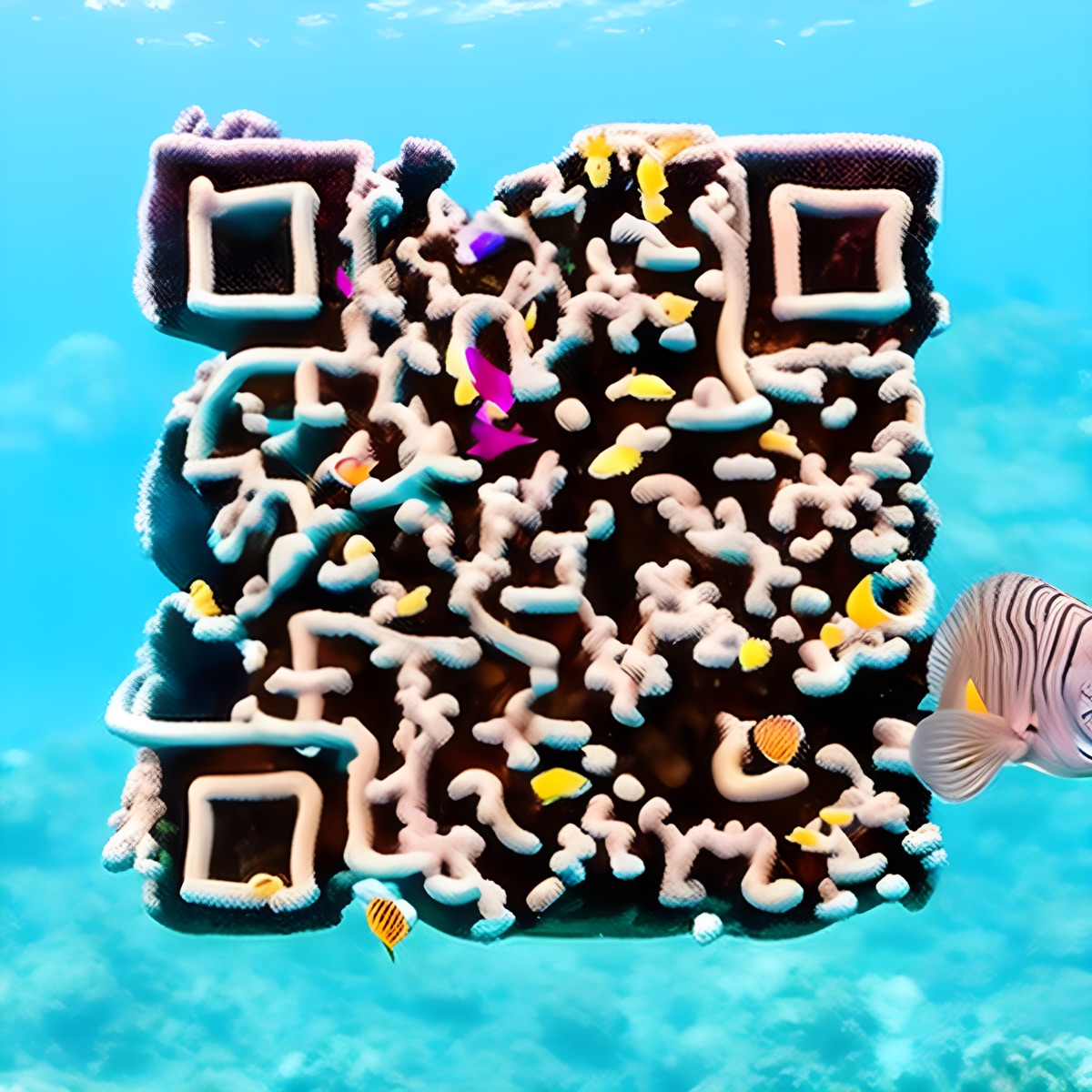
AI-Generated QR Codes: Stunning Art, but Do They Scan?
AI image models can turn a QR code into art — but the result is a scannability gamble you cannot reproduce. Where AI QR codes shine, and where they fall short.
For most of its life, the QR code has been the ugly duckling of design — a grid of black squares in a white box, purely functional and visually inert. Designers have quietly resented it for years: you spend weeks perfecting a brand, then staple a barcode to it.
So when AI image models learned to turn QR codes into art, it felt like a breakthrough. These AI-generated QR codes could be a coral reef, a frosted cake, a wooden mosaic — beautiful enough that people actually wanted to look at them. That moment mattered. It disproved something the industry had taken for granted: that codes have to be ugly. It turns out people want QR codes to be beautiful. The open question is whether the way AI got us there actually holds up.
The Moment AI Made QR Codes Beautiful
The technique is clever. Tools built on Stable Diffusion with a guidance layer called ControlNet take a working QR code as a structural hint and a text prompt — “a frosted celebration cake,” “a coral reef full of fish” — and paint an image whose light and dark shapes line up with the code closely enough that a phone can, sometimes, still read it.
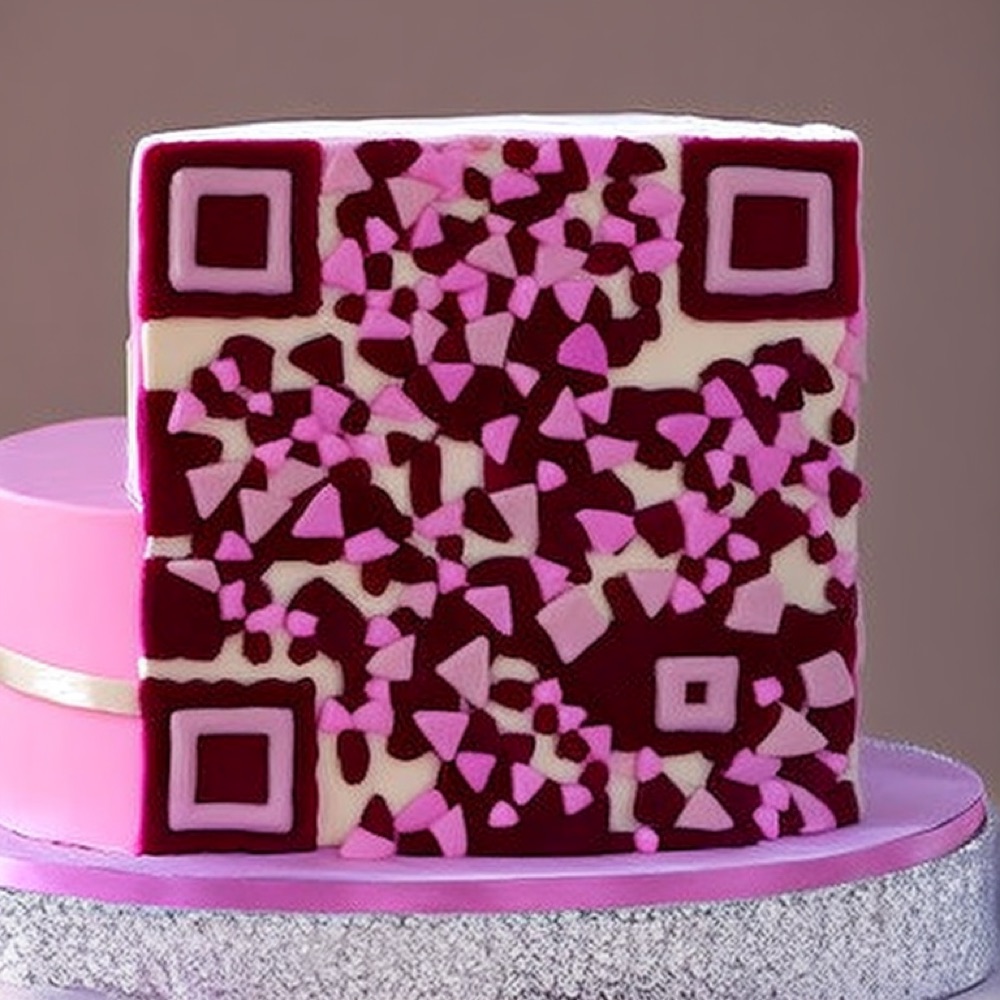
An AI-generated code rendered as a cake — the kind of image people screenshot before they even think to scan it.
The results can be genuinely stunning, and the range is unlike anything a template produces. The image is not a code with decoration added; it is a full illustration whose shapes happen to fall along the data pattern. When it works, it feels like magic — and that appeal is real.
The Catch Nobody Screenshots
Spend a week with these tools and a pattern emerges. The beauty is real, but it comes with strings that matter the moment you try to actually use one.
- Uniqueness and scannability pull against each other. The model optimizes for looking good, not for reading reliably. The more art you push into a code, the harder the little machine that reads it has to work. Many generations scan on one phone in good light and fail on another — at an angle, from a distance, or in print. “Reads on one phone” is not “reads on every phone.”
- People may not even recognize it as a code. The better the art hides the pattern, the less it looks like something you can scan. The familiar corner squares and grid are the visual cue that tells a person “point your camera here.” Blur them into a painting and many people never realize there is a code at all — and a code no one recognizes gets zero scans, no matter how well it technically reads.
- Recreate it and it changes. This is the one that surprises people. There is no source file to edit, only a prompt and a random seed. Run it again — even with the same prompt — and you get a different image. Change the destination URL and the entire artwork is regenerated from scratch. You can never get that exact code back.
- It is art first, and art is hard to embed. An AI code wants to be the hero of the page: large, standalone, admired. Dropping it into a real layout as a small functional element — a business-card corner, a footer, a product label — rarely works. It fights the design instead of serving it.
- Raster, not vector. You get a fixed-resolution image. Blow it up for a poster and it softens; there is no crisp SVG for print.
- Minutes, not milliseconds. Each attempt runs an image model on a GPU — seconds to minutes to generate — and you usually need several tries before one both looks right and scans. A styled code renders the instant you change it, right in your browser.
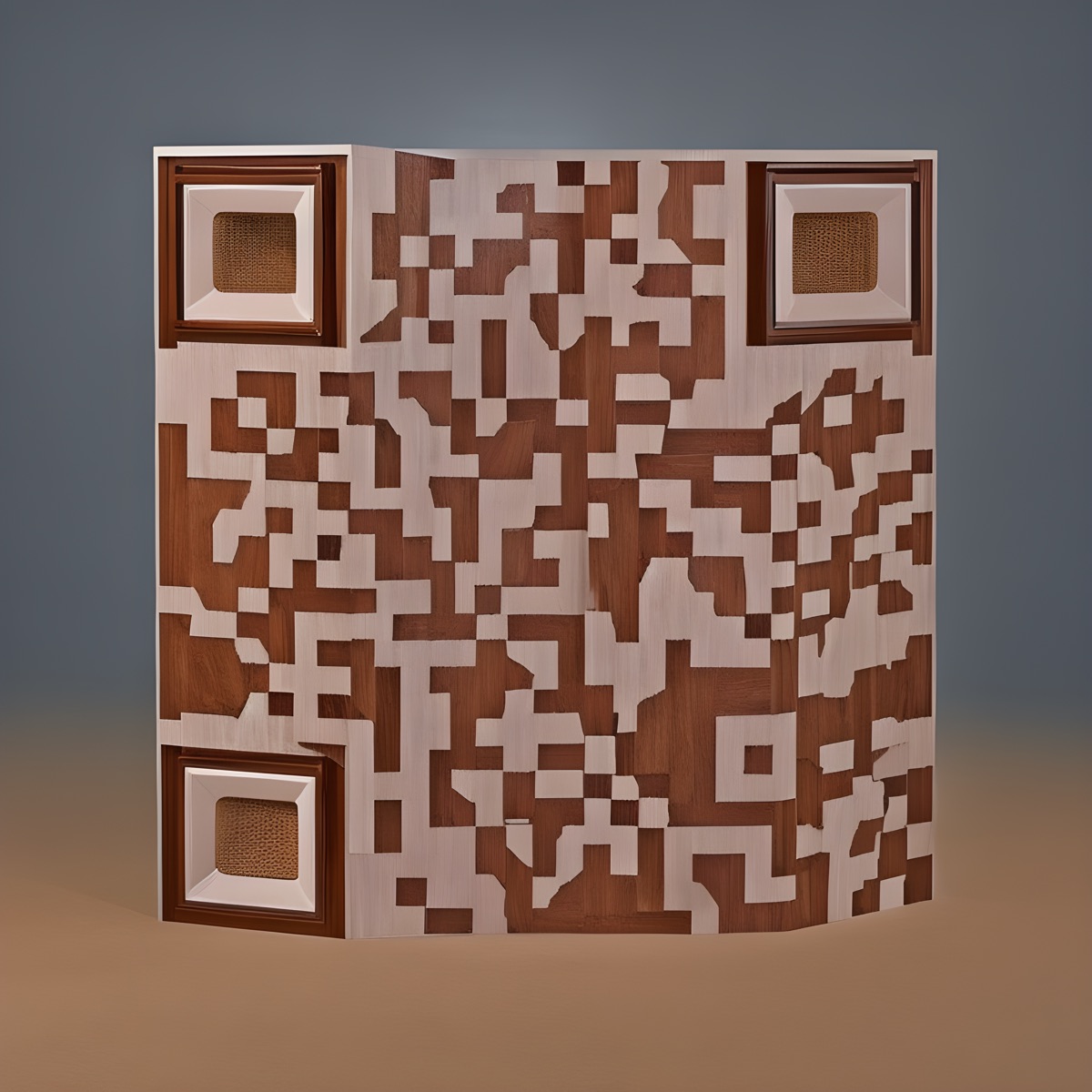
Gorgeous woodwork — but the curve, the angle, and the soft contrast between the tones turn reading it into a gamble.
None of this makes AI codes bad. It makes them art pieces — wonderful for a one-off showpiece you will personally scan-test to death, risky for anything you print at scale, put your brand on, or need to reproduce next month.
A Different Question
Here is where we think the thinking took a wrong turn. The AI approach asks: how do we take an image and bend it into a code? Start with art, hope it scans.
Flip the question. What if the code itself were the thing you designed? Start from a real, valid QR code — quiet zone intact, error correction respected, contrast preserved — and then style every part of it: the module shapes, the corner finders, the colors and gradients, an optional halo of decoration around it, even motion. At no point does it stop being a scannable code, because you never left the structure behind.
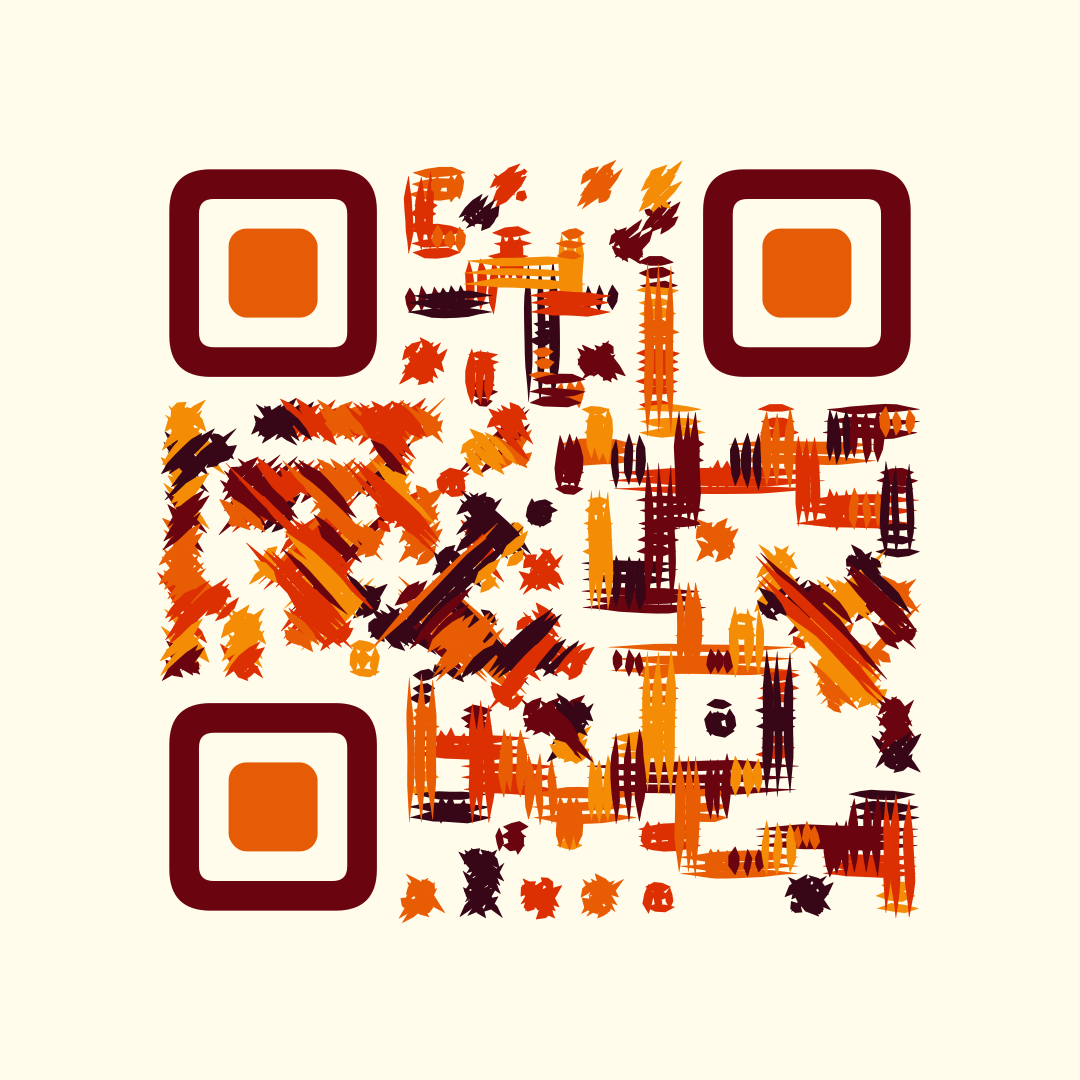
A designed code — painterly and on-brand, scannable by construction. No halo, just styled modules and finder patterns.
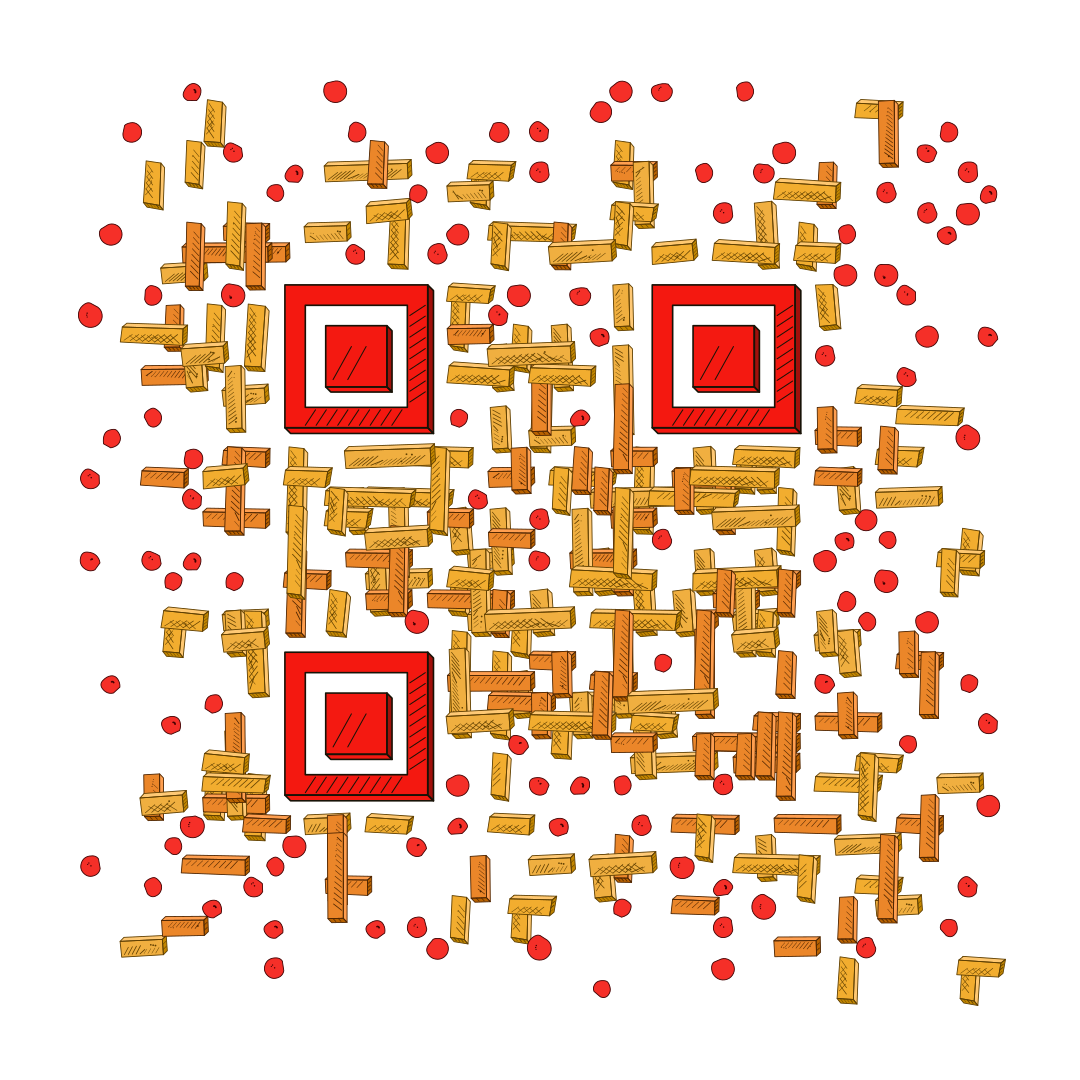
A hand-drawn, almost AI-like look — but this one is a valid, reproducible code. Shrink it onto a business card or reprint it next year and it stays exactly the same.
Neither of these was gambled into existence, and that changes everything downstream. Swap the URL and the look stays identical. Save the design and reuse it across a whole campaign. Export it as vector for a billboard, or drop a transparent version onto a photo. And because a designed code behaves like a design asset rather than an art piece, it shrinks onto a business card or slots into a footer without a fight. The beauty is intentional, embeddable, and repeatable — the opposite of a lucky seed.
That is the idea behind QRocodile: treat the QR code as something you design, not something you generate and pray over. We would rather the facts of the approach speak for themselves — reproducible, editable, on-brand, print-ready — than sell you a feature list.
AI Art vs a Designed Code
Both can look great. The real difference is what happens after the “wow” — whether you can trust it, reuse it, and fit it into actual work.
| What matters | AI-generated (diffusion) | A designed code |
|---|---|---|
| Artistic range | Exceptional — full generated scenes | Very high — 60+ styles, colors, halo, motion |
| Scannability | A gamble; test on every device | Engineered in; valid by construction |
| Reproducible | No — regenerate and it changes | Yes — the same design for any URL |
| Editable | No — only re-roll a new seed | Yes — adjust any part |
| Brand precision | Prompt-steered, approximate | Exact colors, palette, logo |
| Print & scaling | Raster; softens when enlarged | Crisp vector (SVG) at any size |
| Easy to embed | Hard — wants to be the hero | Easy — scales down, fits real layouts |
| Speed to make | Seconds to minutes per try (on a GPU) | Milliseconds — renders in the browser |
So when does each win? Reach for AI diffusion when you want a single, one-of-a-kind art piece and have time to generate variations and scan-test them to death — an album cover, a gallery poster, a viral post. Reach for a designed code for anything that must be dependable and reusable: packaging, menus, business cards, campaigns, print — where it has to scan on every phone, carry your brand exactly, and look the same the tenth time you use it.
The quiet headline: you do not need AI to make a QR code beautiful. A designed code can be just as striking — even hand-drawn or painterly — while staying far easier to handle, embed, and reuse.
Where QR Design Is Actually Going
The AI-art era did the QR world a real favor: it killed the assumption that codes have to be ugly. But “beautiful or reliable” was always a false choice. The future is not picking one — it is codes that are beautiful and dependable because they were valid from the first pixel to the last.
AI still belongs in that future — not as the thing that paints a code and hopes, but as an assistant that helps you design one: describe the look you want and get an on-brand, animated, reliably-scannable code you can actually reuse. That is the version of “AI QR codes” worth building toward.
The plain black square walked so the coral-reef code could run. The next step is making the beautiful ones work every single time. See what a designed code looks like →
Found this useful?
Share it with someone who needs it.
Related Articles
Ready to Create Your QR Code?
60+ artistic styles, free SVG export, no signup needed.
Create Your QR Code →